将自然语言编写的测试用例转换为可执行的测试,可以大大降低需求与开发之间的沟通成本,这是BDD(行为驱动开发)希望达到的效果。SpecFlow是.Net平台的BDD工具,可以帮助我们创建面向BDD的测试用例。
首先,在Visual Studio 2022中安装SpecFlow插件。选择菜单扩展->管理扩展,然后搜索SpecFlow: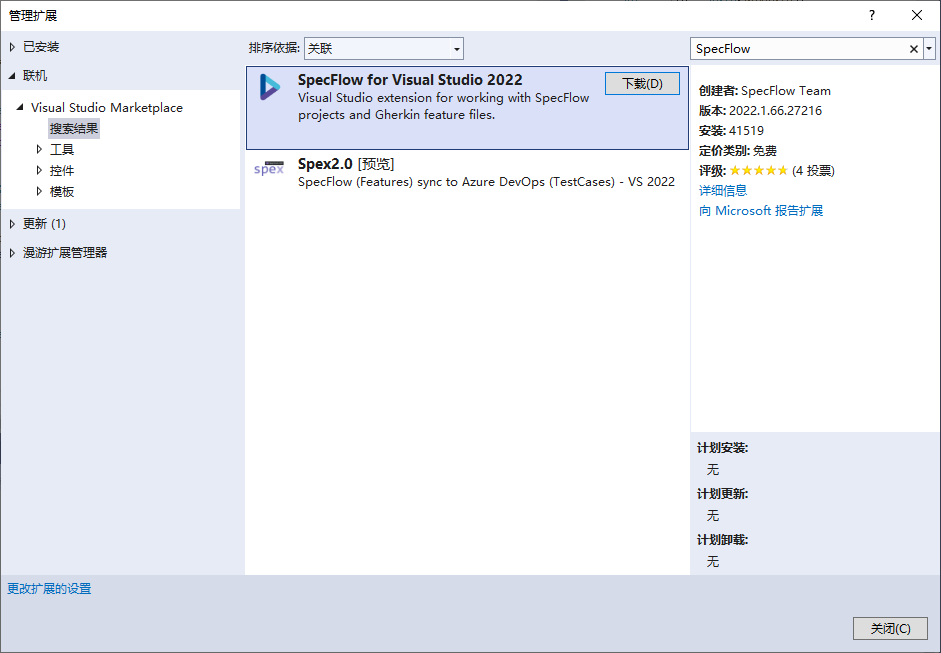
点击下载,下载完成后,需要退出Visual Studio 2022,插件会自动安装。
我们编写一个简单的计算BMI(Body Mass Index身体质量指数)的功能作为测试目标,算法很简单,输入是身高和体重,计算公式是体重除以身高的平方。
再次启动Visual Studio,创建一个类库项目,名称为CalBmi,编写代码如下:
namespace CalBmi{ public class BmiCalculator { public Decimal Height { get; set; } public Decimal Weight { get; set; } public Decimal Bmi() { throw new NotImplementedException(); } }}接下来,在解决方案中添加SpecFlow项目,选择项目类型为SpecFlow: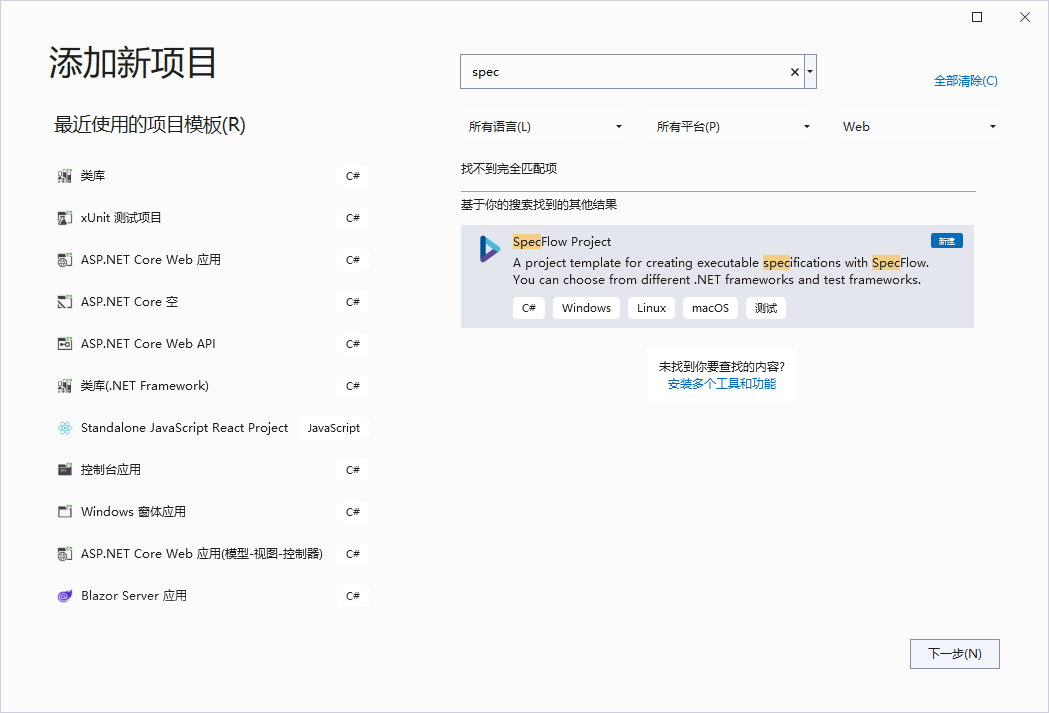
项目名称为TestBmi,选择xUnit作为Test Framework: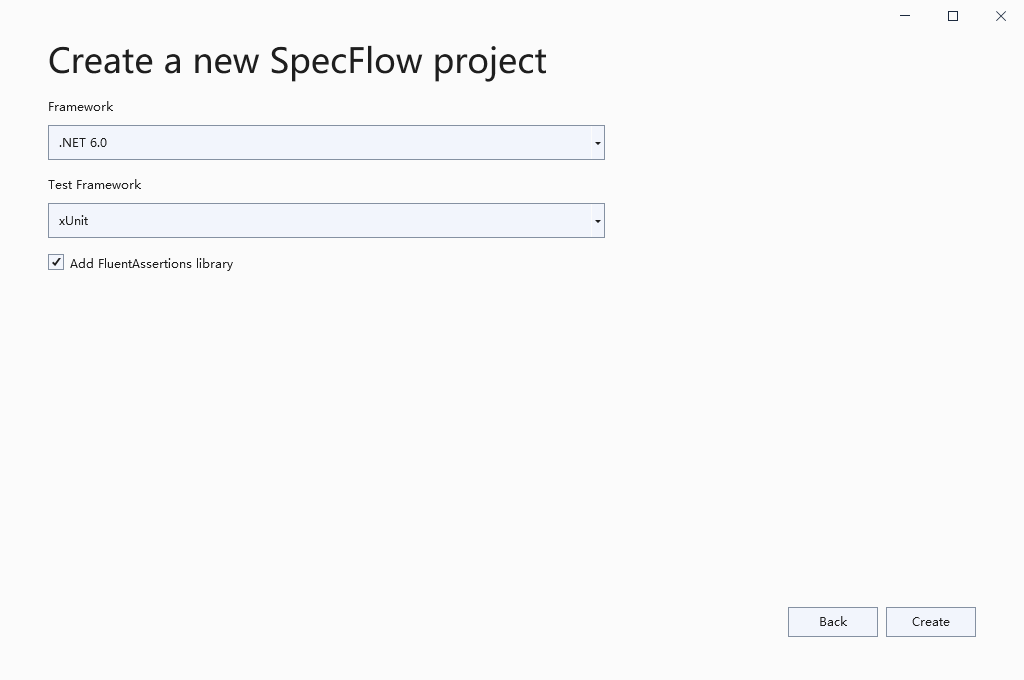
创建完成后,项目的结构是这样的: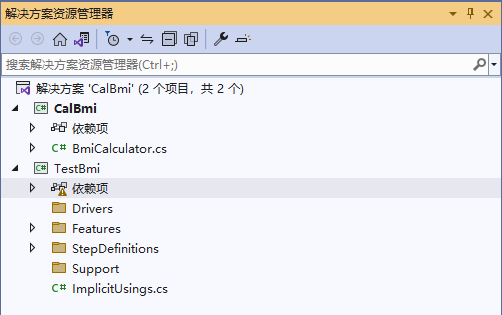
然后,添加项目引用,将测试目标项目CalBmi添加到TestBmi的项目引用中: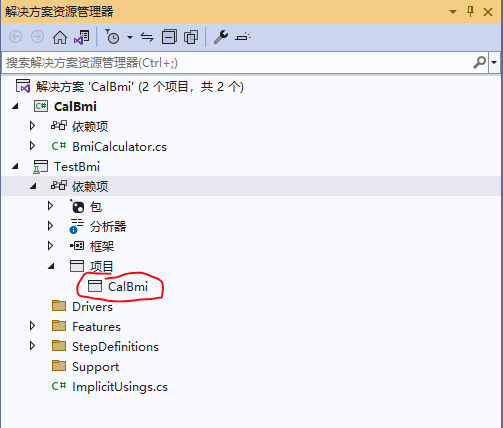
到这里,准备工作完成,现在可以开始写测试用例了。在TestBmi中有一个示例模板,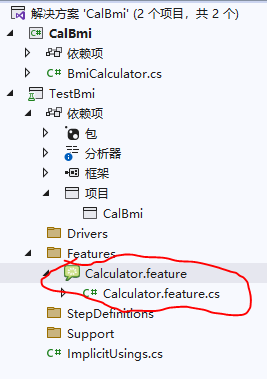
代码是这样的:
Feature: CalculatorSimple calculator for adding **two** numbersLink to a feature: [Calculator](TestBmi/Features/Calculator.feature)***Further read***: **[Learn more about how to generate Living Documentation](https://docs.specflow.org/projects/specflow-livingdoc/en/latest/LivingDocGenerator/Generating-Documentation.html)**@mytagScenario: Add two numbers Given the first number is 50 And the second number is 70 When the two numbers are added Then the result should be 120这个测试的是两个数字相加,我们照猫画虎,编写我们自己的测试用例,我们添加一个新的SpecFlow feature: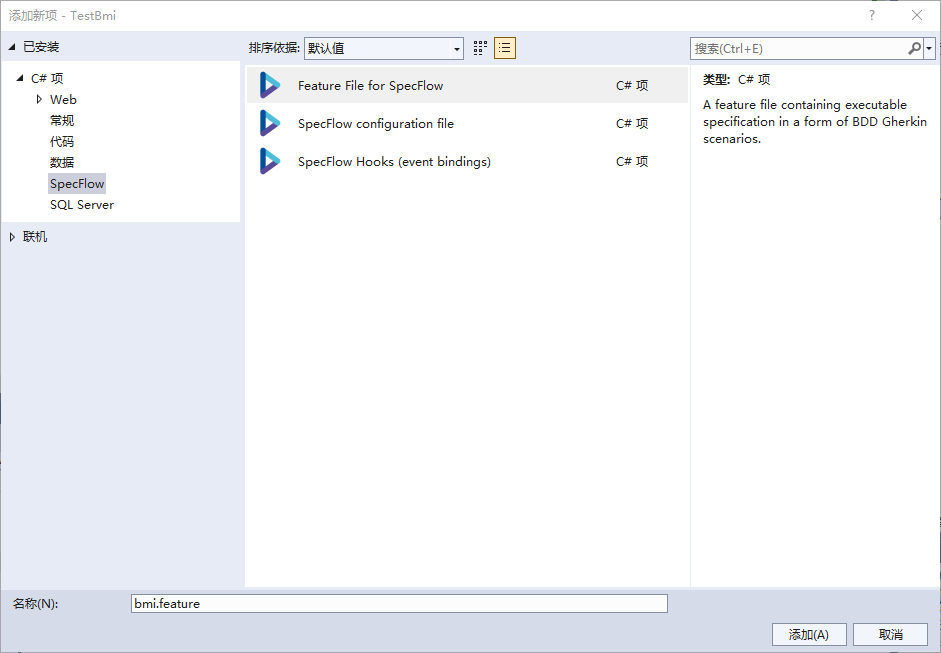
编写代码如下:
Feature: 计算BMI@mytagScenario: 根据身高体重计算BMI Given 身高1.75米 And 体重70.00公斤 When 计算BMI Then 结果应该是22.86点击右键,选择DefineSteps:
一个新的测试文件被创建了: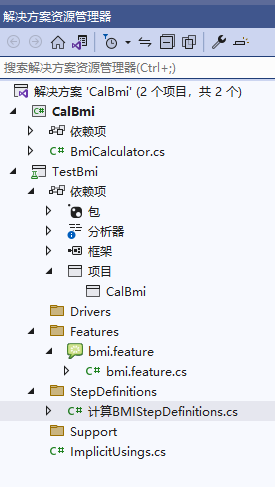
代码如下:
using System;using TechTalk.SpecFlow;namespace TestBmi.StepDefinitions{ [Binding] public class 计算BMIStepDefinitions { [Given(@"身高(.*)米")] public void Given身高米(Decimal p0) { throw new PendingStepException(); } [Given(@"体重(.*)公斤")] public void Given体重公斤(Decimal p0) { throw new PendingStepException(); } [When(@"计算BMI")] public void When计算BMI() { throw new PendingStepException(); } [Then(@"结果应该是(.*)")] public void Then结果应该是(Decimal p0) { throw new PendingStepException(); } }}在这个类中,编写测试,首先创建BmiCalculator的实例:
private readonly BmiCalculator _bmical = new BmiCalculator();然后,改写各个方法:
using CalBmi;using System;using TechTalk.SpecFlow;namespace TestBmi.StepDefinitions{ [Binding] public class 计算BMIStepDefinitions { private readonly BmiCalculator _bmical = new BmiCalculator(); private decimal _result; [Given(@"身高(.*)米")] public void Given身高米(Decimal p0) { _bmical.Height = p0; } [Given(@"体重(.*)公斤")] public void Given体重公斤(Decimal p0) { _bmical.Weight=p0; } [When(@"计算BMI")] public void When计算BMI() { _result=_bmical.Bmi(); } [Then(@"结果应该是(.*)")] public void Then结果应该是(Decimal result) { _result.Should().Be(result); } }}在测试管理器中运行这个测试: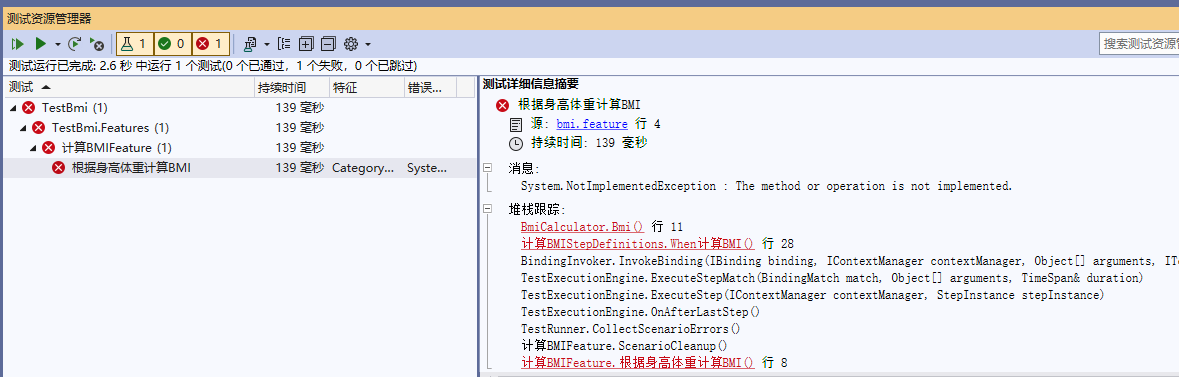
与想象的一样,测试没有通过,因为我们没有编写实现代码,现在,修改BmiCalculator ,增加计算方法:
namespace CalBmi{ public class BmiCalculator { public Decimal Height { get; set; } public Decimal Weight { get; set; } public Decimal Bmi() { return Weight/Height/Height; } }}再次运行测试: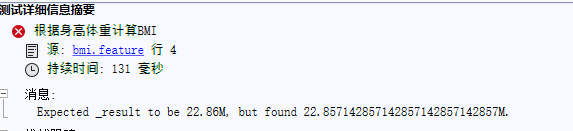
仍然没有通过,问题是需要保留两位小数,最后一位四舍五入,修改算法:
public Decimal Bmi() { return System.Decimal.Round(Weight /Height/Height,2); }再次运行测试,这次通过了:
在测试中给出了测试步骤和每个步骤花费的时间。
本文来自博客园,作者:寻找无名的特质,转载请注明原文链接:https://www.cnblogs.com/zhenl/p/16380928.html

