最近打开 typora 时发现弹窗强更,不让用 beta 版了
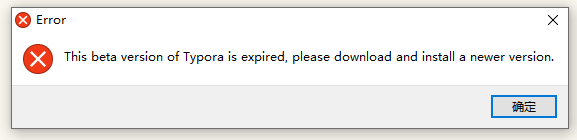
想到自己并不是非常需要 WYSIWYG,而且也不是经常使用 typora,于是直接退回到 VSCode 了,而且在 VSCode 里可以直接打开终端操作,写完了推送到 GitHub 都很方便。
然后就是老生常谈的图片问题,之前记录过 typora 上的 解决办法 ,VSCode 上利用扩展也可以解决,下面简单记录下。
Markdown All in One : 快捷键、生成目录、自动预览等等
Markdown Image : 方便地在 Markdown 中插入图片,支持本地、图床或对象存储
Pangu-Markdown : 在中英文之间加空格
Office Viewer(Markdown Editor) : 如果有 WYSIWYG 需求的话推荐
首先安装 Markdown Image 插件
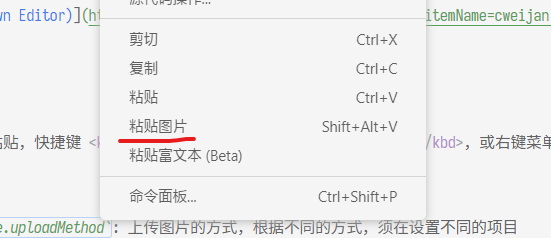
可复制图片文件或截图粘贴,快捷键 Shift + Alt + V,或右键菜单粘贴图片
markdown-image.base.uploadMethod: 上传图片的方式,根据不同的方式,须设置不同的项目markdown-image.base.fileNameFormat: 图片文件命名格式化字符串。支持多种变量做格式化,可同时配置文件夹格式,具体见设置uploadMethod 可选值为:
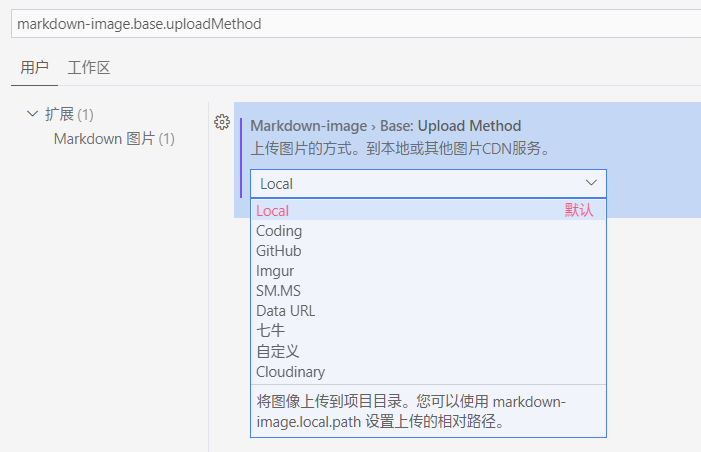
uploadMethod 设置为 Local
markdown-image.local.path: 图片本地存放路径,支持相对路径,相对于所粘贴 Markdown 文件,/ 表示打开的文件夹根目录。若路径不存在,将会自动创建
按需选择,具体见 文档
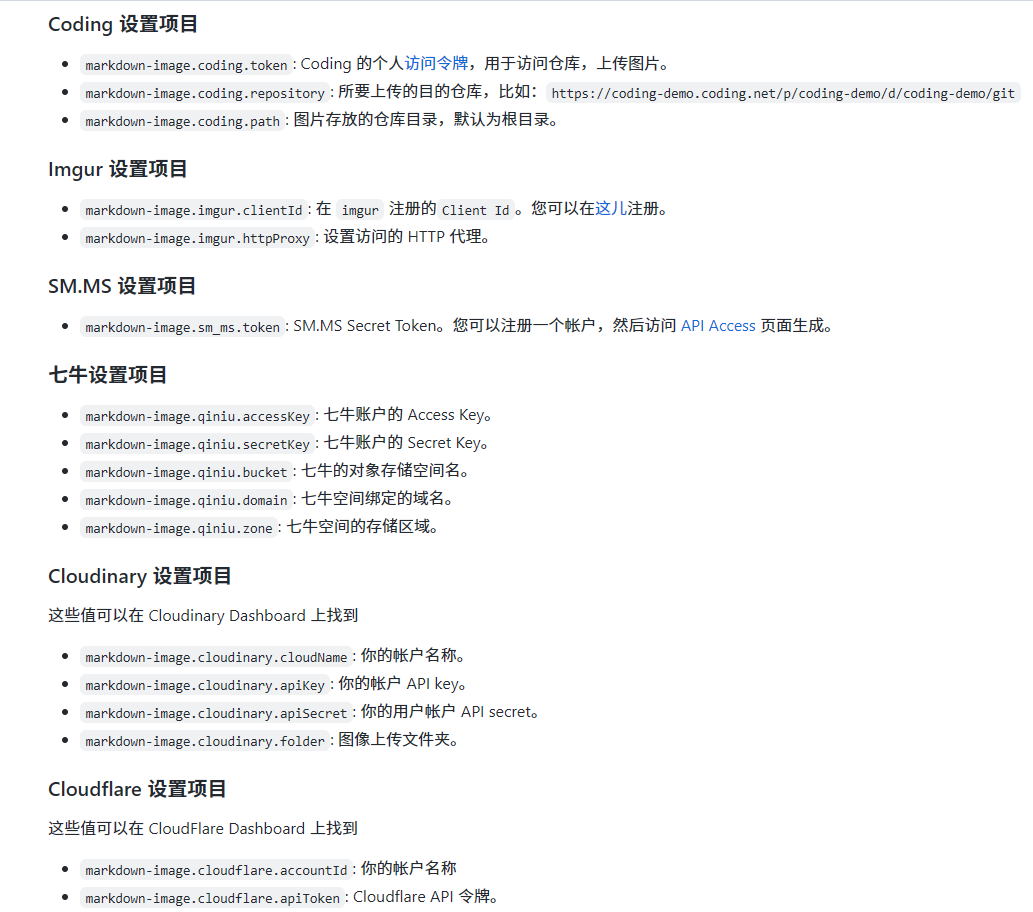
当你用的图床不在默认支持列表时可以编写自定义代码来上传图片,配置 markdown-image.DIY.path 为你写的代码的路径
你的代码必须 exports 一个像 async function (filePath:string, savePath:string, markdownPath:string):string 的函数
如:
const path = require('path');module.exports = async function(filePath, savePath, markdownPath) { // Return a picture access link return path.relative(path.dirname(markdownPath), filePath);}const { createReadStream } = require('fs')const fetch = require('node-fetch') // ^2.6.7const FormData = require('form-data')async function upload({ filePath, preUpload, ...options }) { const form = new FormData() if (preUpload) await preUpload(filePath, form, options) const { api, fileField = 'file', formData = {}, headers = {}, isSuccess, returnUrl } = options form.append(fileField, createReadStream(filePath)) for (const [formKey, formValue] of Object.entries(formData)) { form.append(formKey, formValue) } const response = await fetch(api, { body: form, method: 'POST', headers: { ...headers, ...form.getHeaders() } }) if (!response.ok) throw new Error(response.statusText) const json = await response.json() if (isSuccess?.(json)) { return returnUrl(json) } else { throw new Error(JSON.stringify(json, null, 2)) }}// 以 bilibili 为例module.exports = async function (filePath) { const result = await upload({ api: 'https://api.bilibili.com/动态页自行发现' filePath, fileField: 'file_up', formData: { biz: 'new_dyn', category: 'daily', csrf: '你的 CSRF Token' }, headers: { Cookie: '你的 Cookie', Origin: 'https://t.bilibili.com', Referer: 'https://t.bilibili.com/' }, isSuccess: d => d.code == 0, returnUrl: d => d.data.image_url.replace('http:', 'https:') }) return result}const upimg = require('upimg')module.exports = async function (filePath) { // 以 bilibili 为例,文档见 npm const { url } = await upimg.bilibili.set('cookie', '你的 Cookie').upload(filePath) return url}Markdown Image Readme
fin.

